COA & Lab Report Management for Shopify Stores
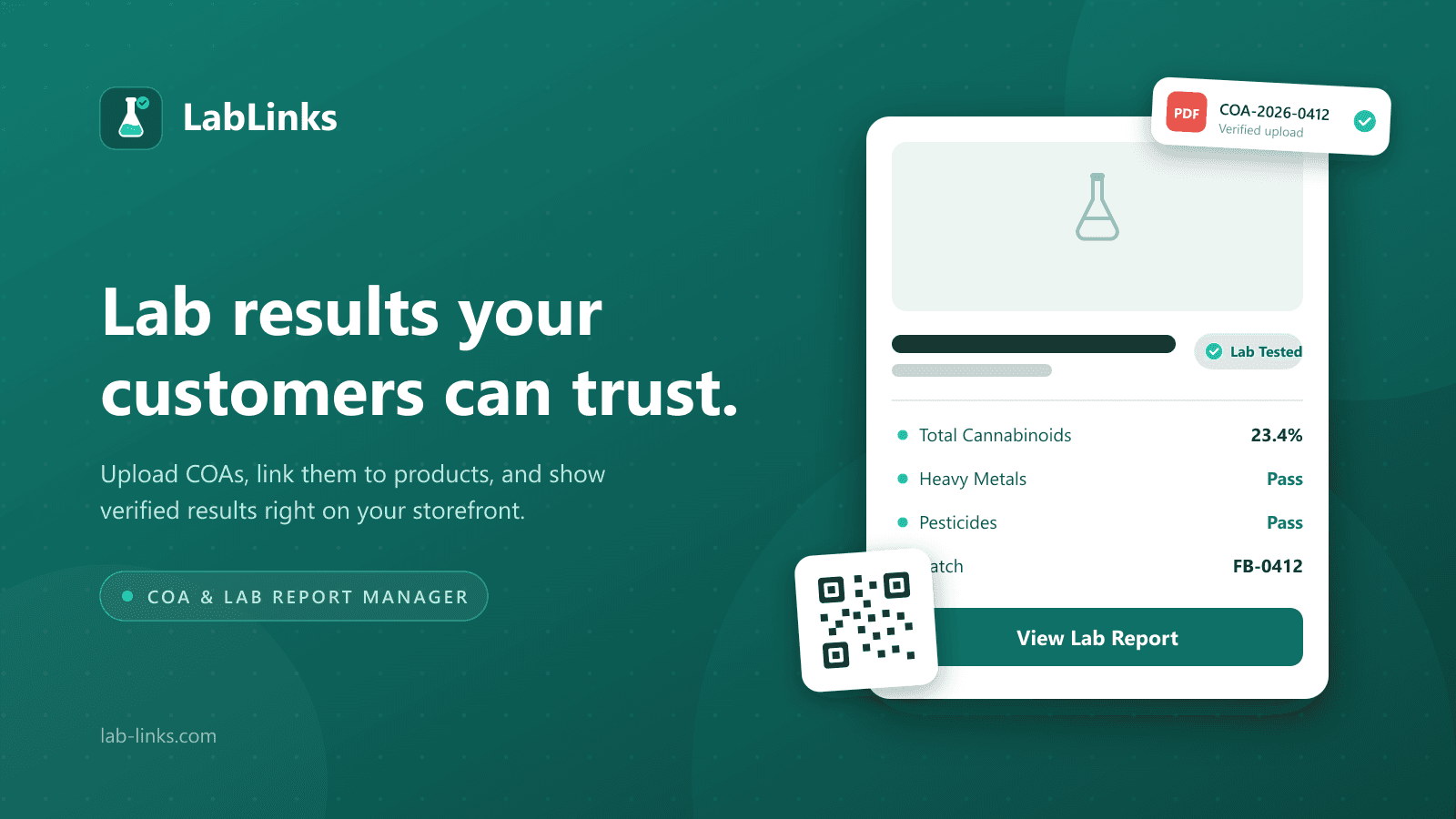
Upload COAs and lab reports, link them to your Shopify products, and share verified results with customers through QR codes, product-page badges, and a branded portal. Built for hemp & cannabis, supplements, food & beverage, and cosmetics brands.
No credit card required. Free plan available.
Everything You Need to Share Lab Results
From basic report hosting to storefront badges, QR codes, and connected portals, LabLinks scales with your business.
Product Page Badge
Display verified lab report badges on your product pages to build instant customer trust.
Popup Viewer
Customers view full lab reports in an elegant popup without leaving your product page.
Portal Page
A branded public page listing all your products and their associated lab reports.
Collection Badges
Show compliance badges across entire product collections for maximum transparency.
QR Codes
Generate scannable QR codes linking directly to lab reports for product packaging.
Analytics Dashboard
Track lab status, product coverage, QR scans, and recent scan activity from your dashboard.
Team Access
Invite up to five team members with role-based access for managing reports and settings.
CSV Import
Import lab report rows from CSV. Batch size scales from Free to paid plans.
How It Works
Get started in minutes, not days.
Upload
Upload your COAs, lab reports, and test results in PDF or image format.
Link
Connect reports to your products. Import from Shopify or add products manually.
Share
Share via portal page, QR codes, embeddable badges, or direct links.
Built for Your Industry
Pre-built field templates and compliance-oriented workflows across regulated industries.
Simple, Transparent Pricing
Start free. Upgrade when you're ready. All paid plans include a free trial.
| Feature | Free | Pro | Business |
|---|---|---|---|
| Lab Reports | 5 | 250 | Unlimited |
| Custom Fields | 3 | 25 | 200 |
| Team Members | 1 | 1 | 5 |
| CSV Import | 5/batch | 250/batch | 250/batch |
| QR Codes | |||
| QR Scan Tracking | |||
| Analytics Dashboard | |||
| Custom Portal URL Slug | |||
| Custom Portal Domain | |||
| Remove Branding | |||
| Custom CSS | |||
| Storefront Widgets | |||
| Role Permissions |
Frequently Asked Questions
What is a COA (Certificate of Analysis)?
A COA, or Certificate of Analysis, is a document issued by a testing laboratory that verifies a product's contents and safety. It typically reports results like potency, purity, contaminants, and heavy metals for a specific batch. Brands in regulated industries share COAs so customers can confirm products were independently tested.
How do I show lab results on my Shopify product page?
Install the LabLinks Shopify app, upload your lab reports, and link each one to a product. LabLinks then displays a verified product-page badge and a popup viewer so customers can read the full report without leaving the page. You can also share results through a branded portal page.
Is there a free plan?
Yes. The LabLinks Free plan includes up to 5 lab reports with all display options: product badges, the popup viewer, and the portal page. No credit card is required to sign up, so you can connect your store and publish your first reports before deciding to upgrade.
What file types are supported?
LabLinks supports PDF files and common image formats such as PNG and JPG for lab report uploads. Most labs deliver COAs as PDFs, which display in the built-in report viewer. Image uploads work well for scanned documents or photos of printed reports from your testing lab.
Can customers scan a QR code to see lab results?
Yes. On the Business plan, LabLinks generates a QR code for each lab report or batch that links straight to its results page. Print the codes on product packaging or labels so customers can scan and verify lab results from their phone in seconds.